Back to Tutorial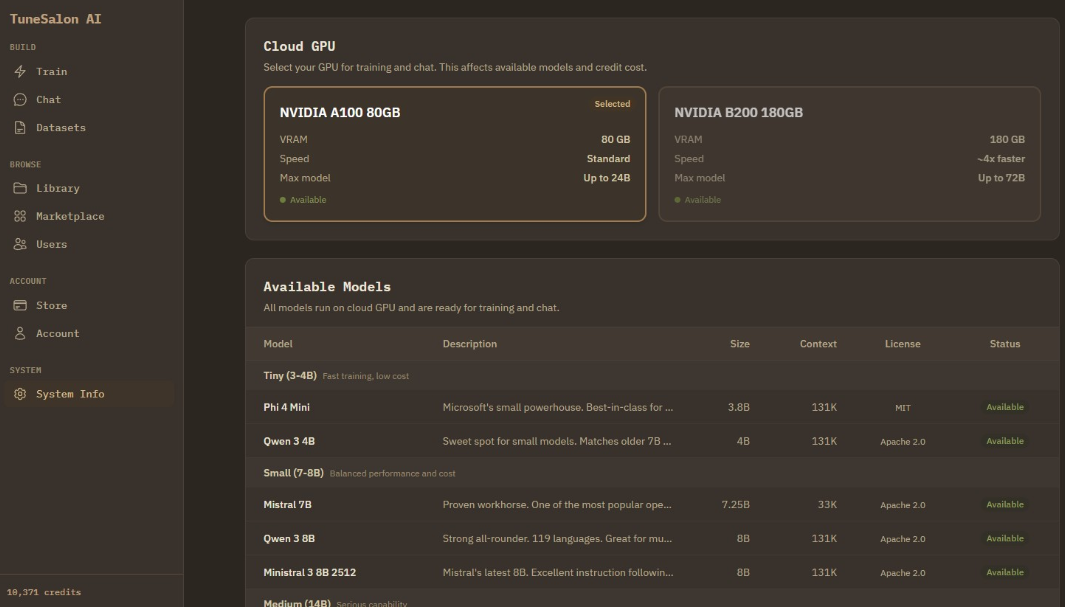
Getting Started
1
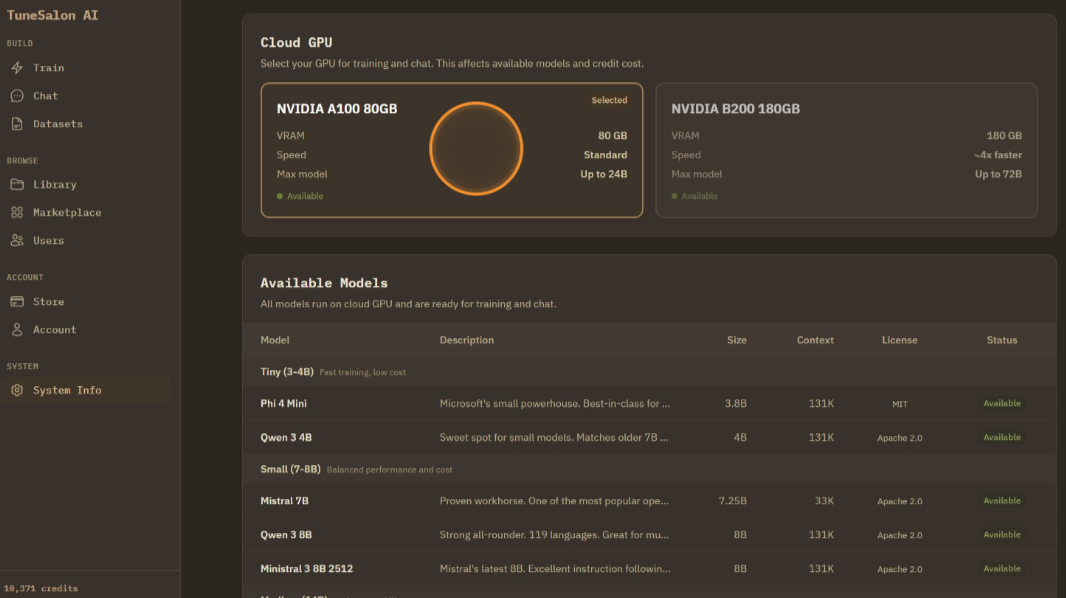
Once you login, you can see system tab. In this section, you can choose GPU you want to use. It also shows available base LLM list you can train.
2
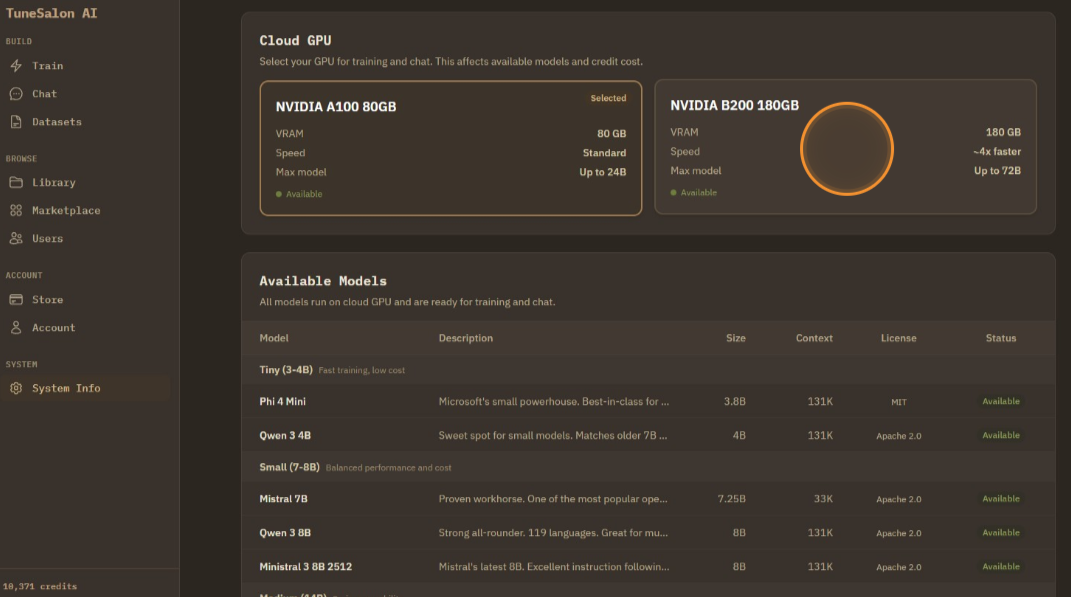
Choose cloud GPU spec, A100 (80GB VRAM) or H200 (141GB VRAM).
3
You can switch between GPU tiers depending on the model size you need.