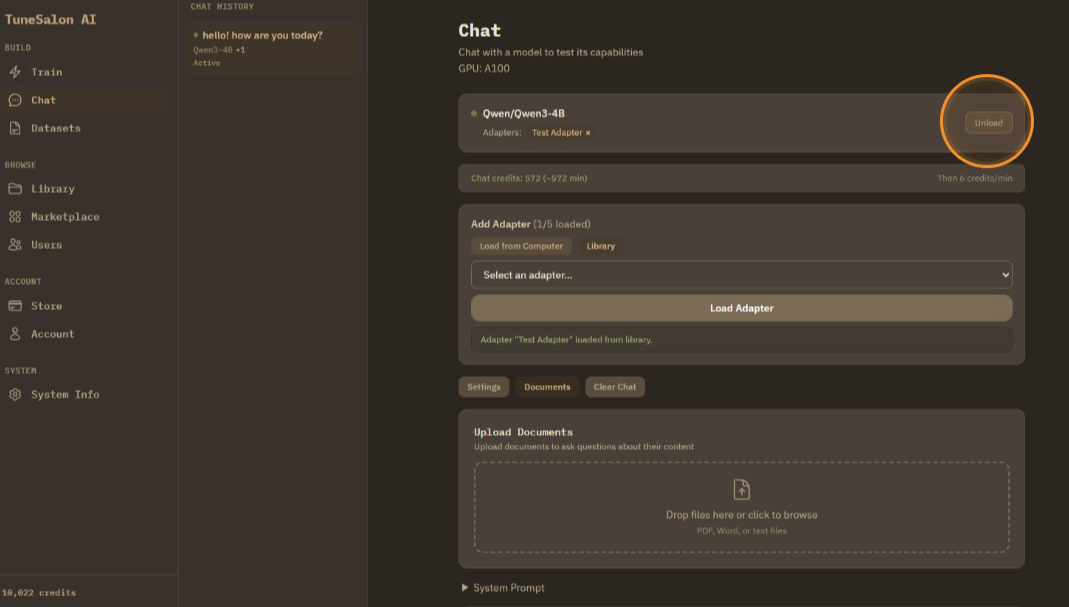
Chat with Your Model
Time to test the model out!
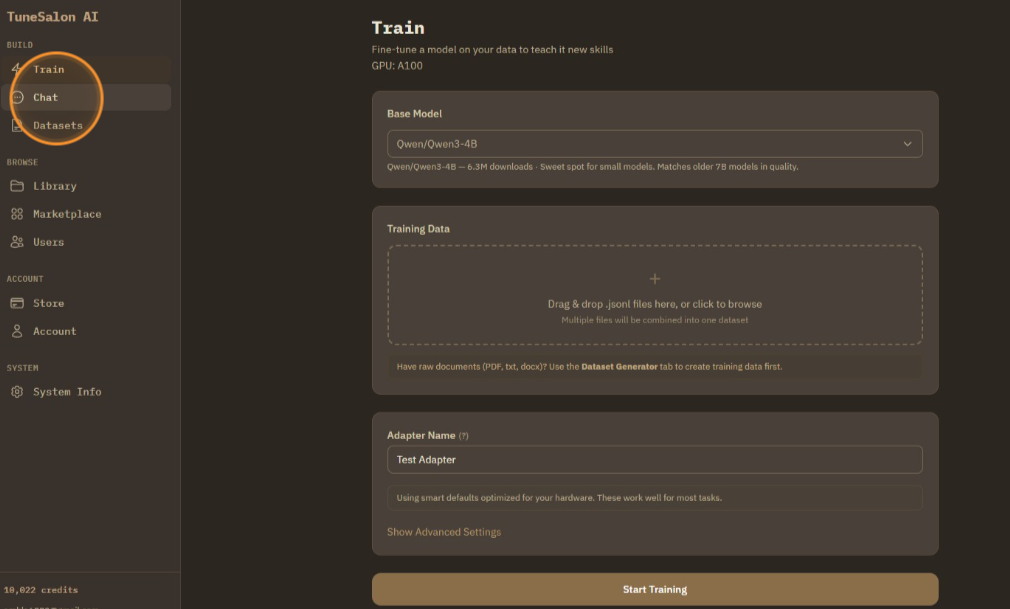
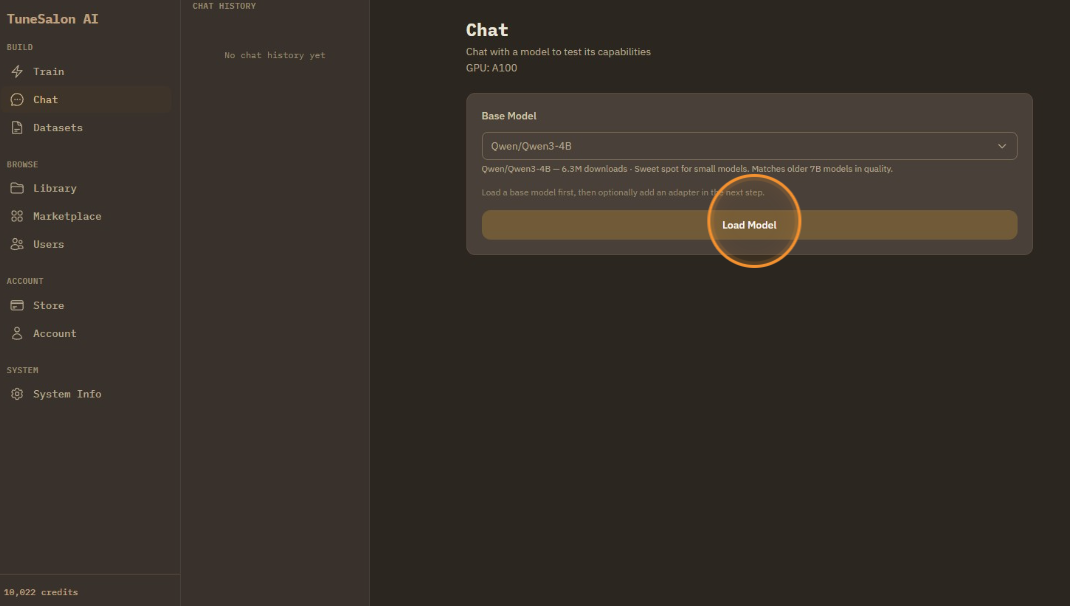
In the chat tab, chatting with 'base model + adapter' is only supported. Click dropdown menu to select base model first.
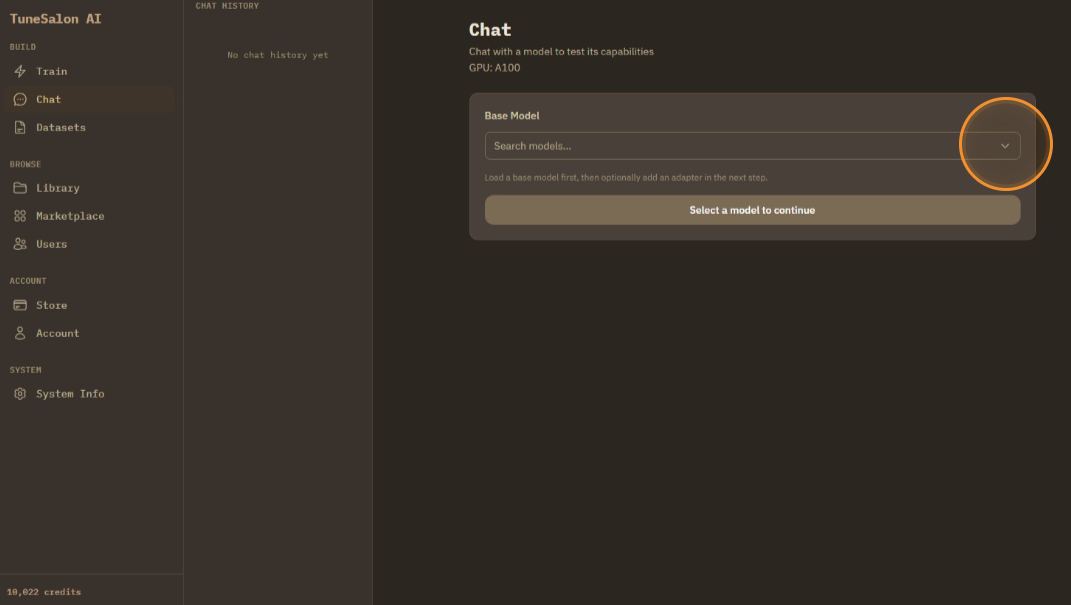
Select a base model from the dropdown.
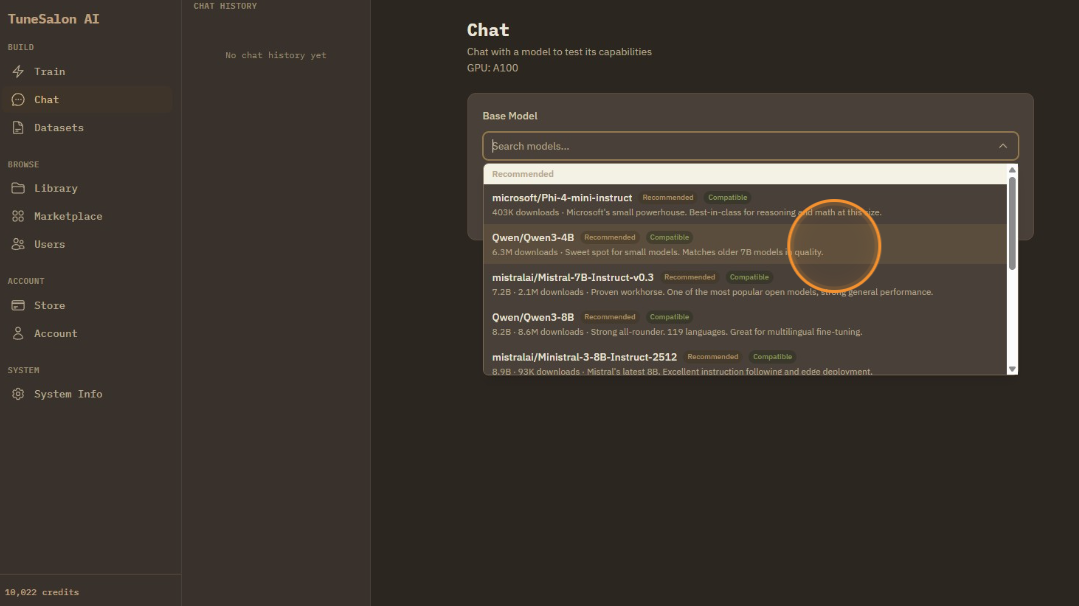
Load base model.
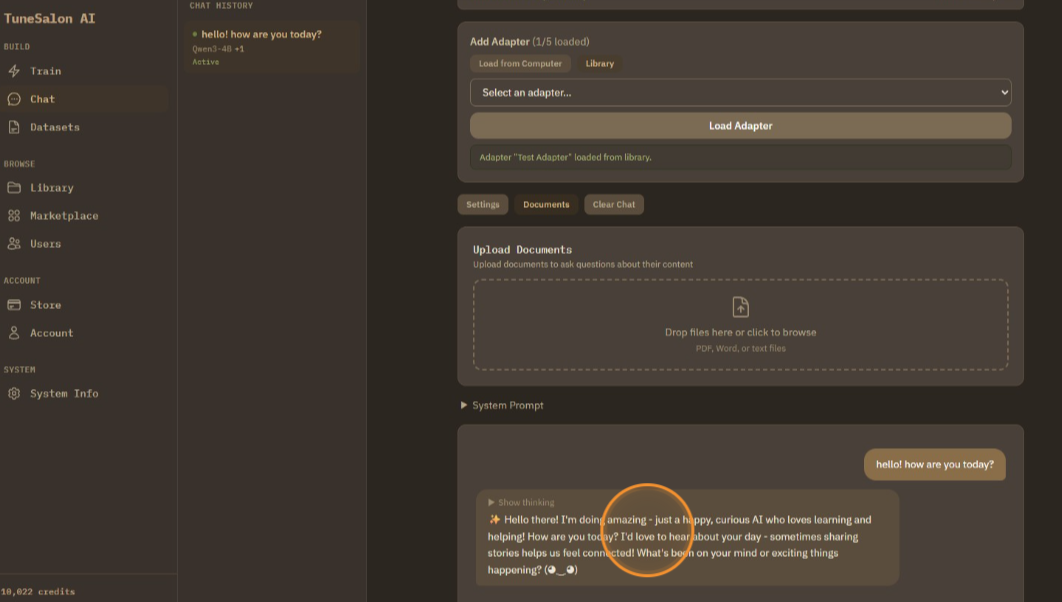
And upload adapters. You can upload up to 5 adapters. Quality may vary depending on how adapters are built.
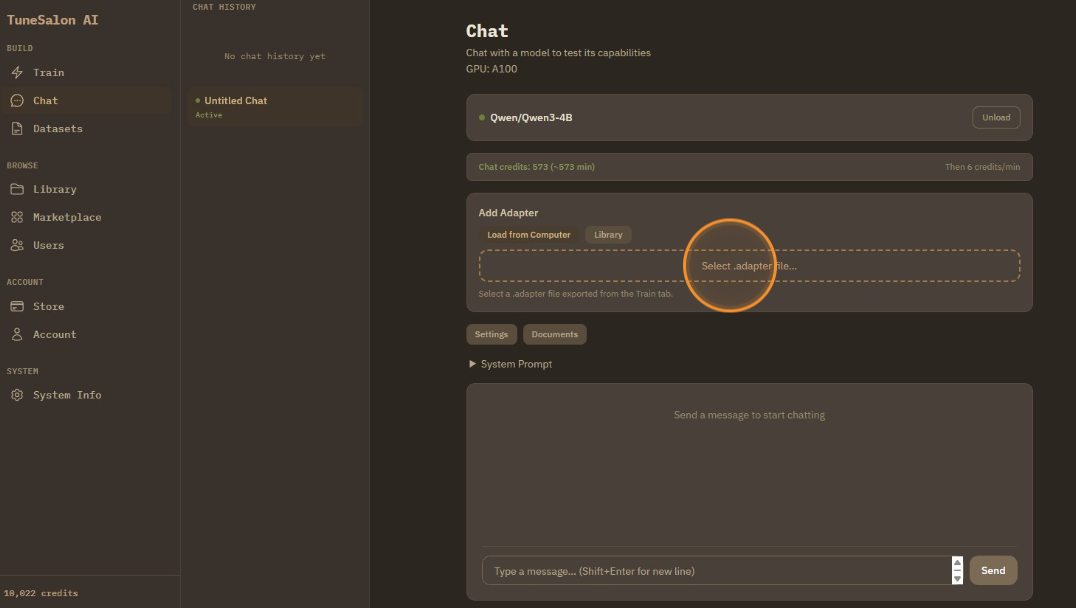
You can either upload from computer, or cloud library.
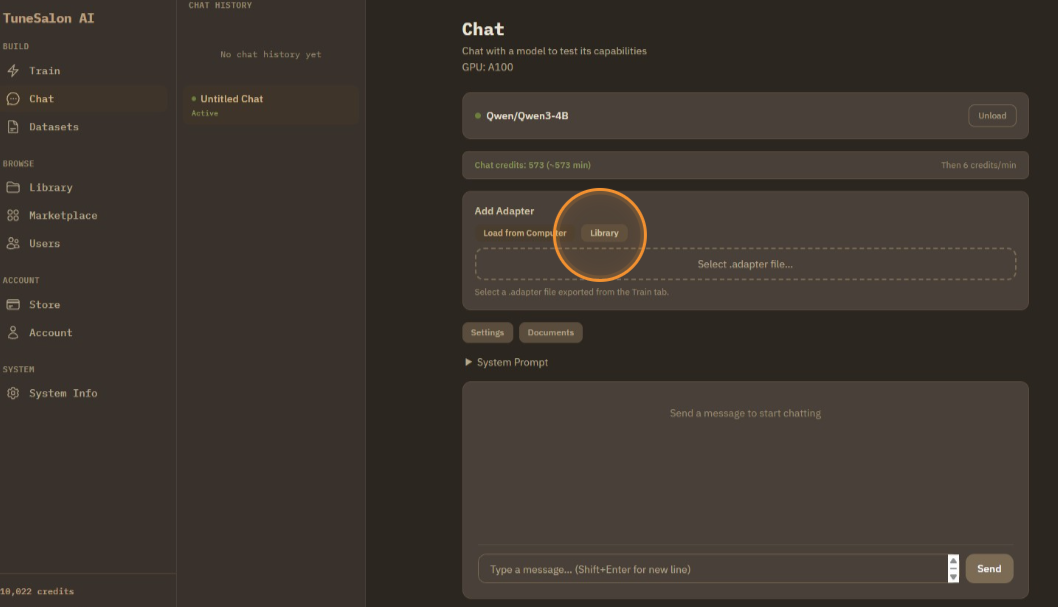
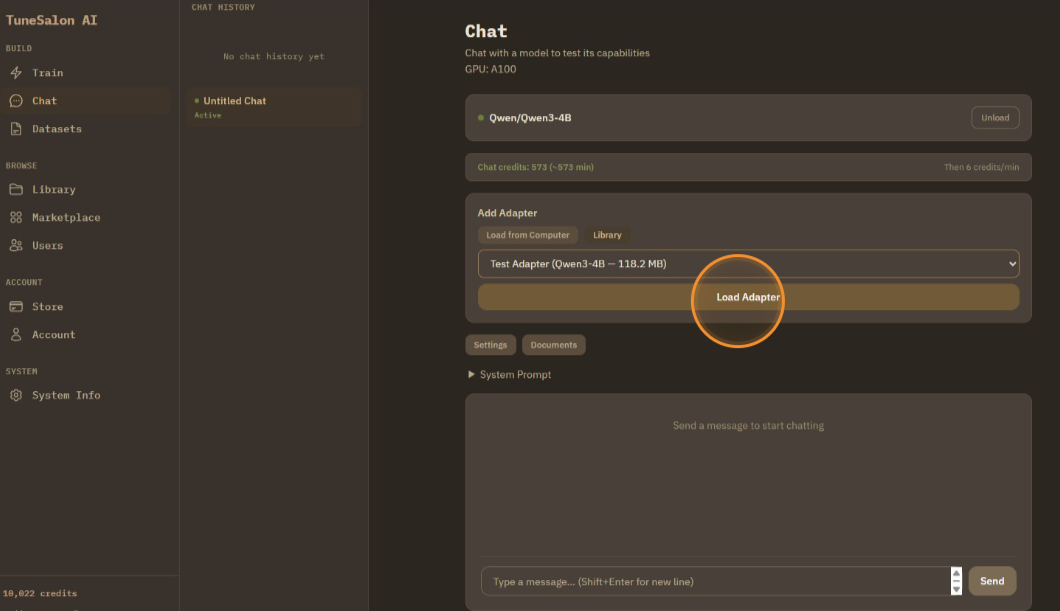
Select your adapter from the library dropdown.
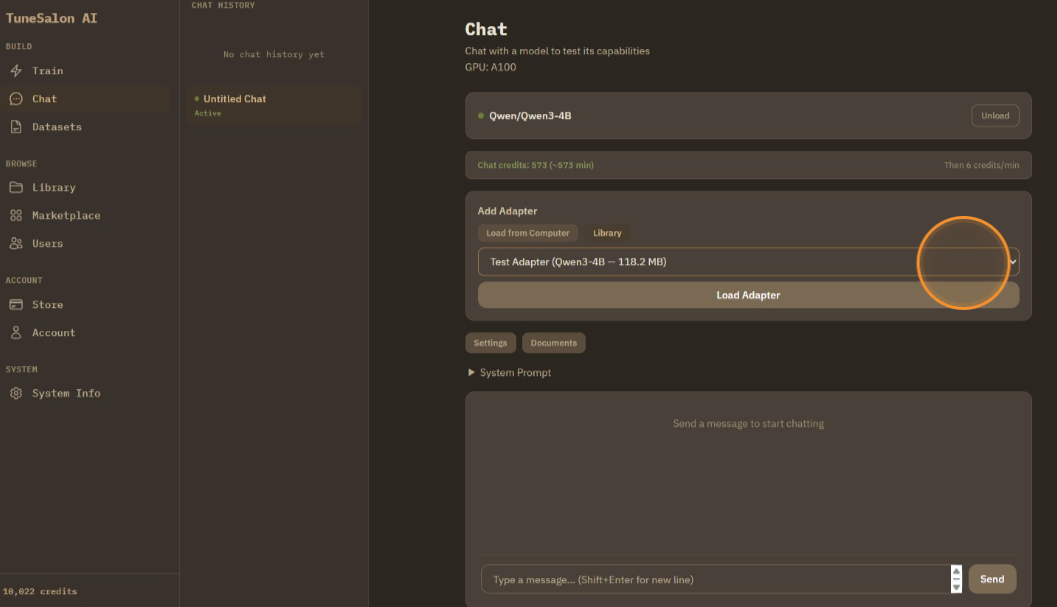
Load adapter.
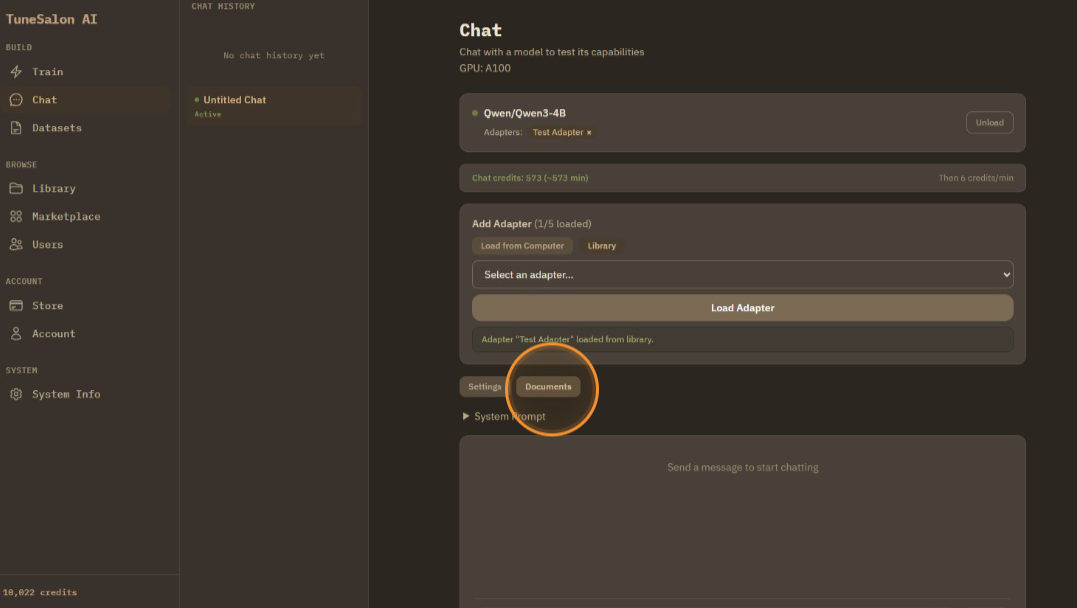
If you need an answer from specific documents, you can upload documents as well. PDF/DOCX/TXT are supported.
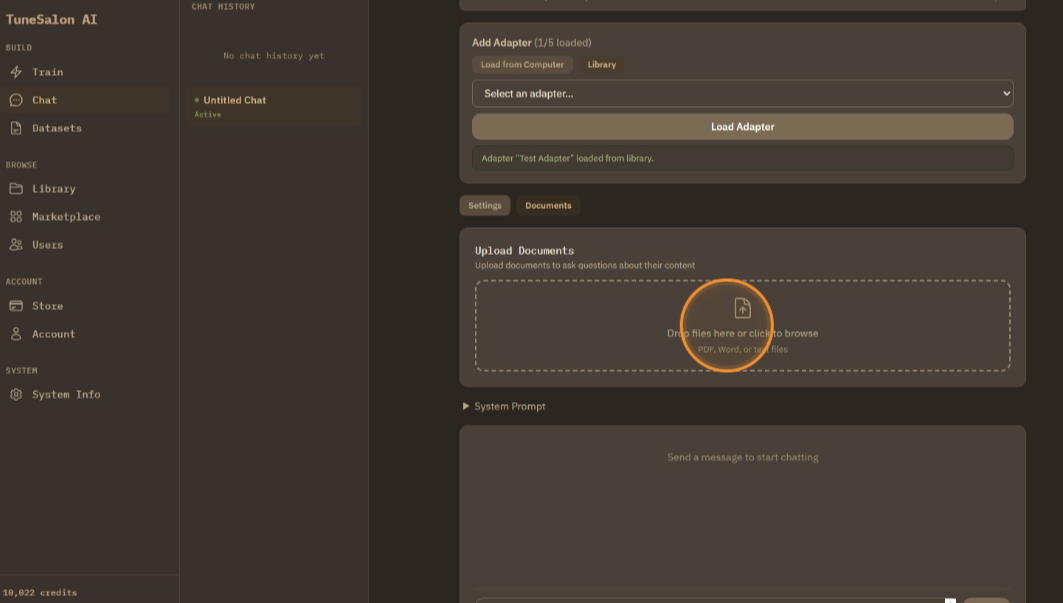
Upload documents by dragging or browsing.
For this tutorial, I didn't upload any document. Let's chat now!
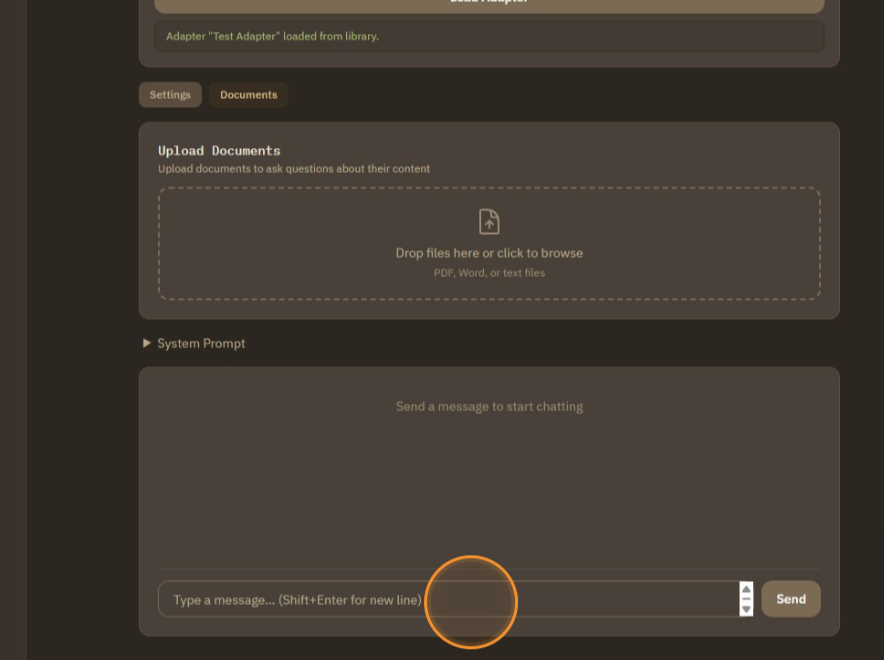
Yay! LLM with adapter worked perfectly showing tone of cute Japanese girl!
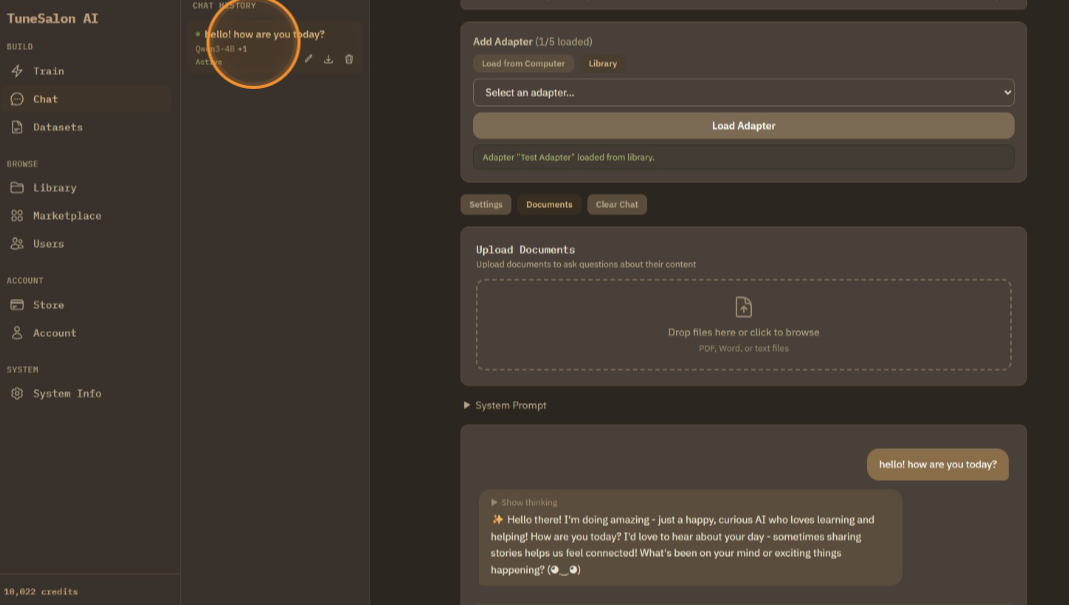
Chats are stored in history, you can rename/delete it.
When you want to stop chatting, click unload, or refresh.