Train Your Model
Time to get to training.
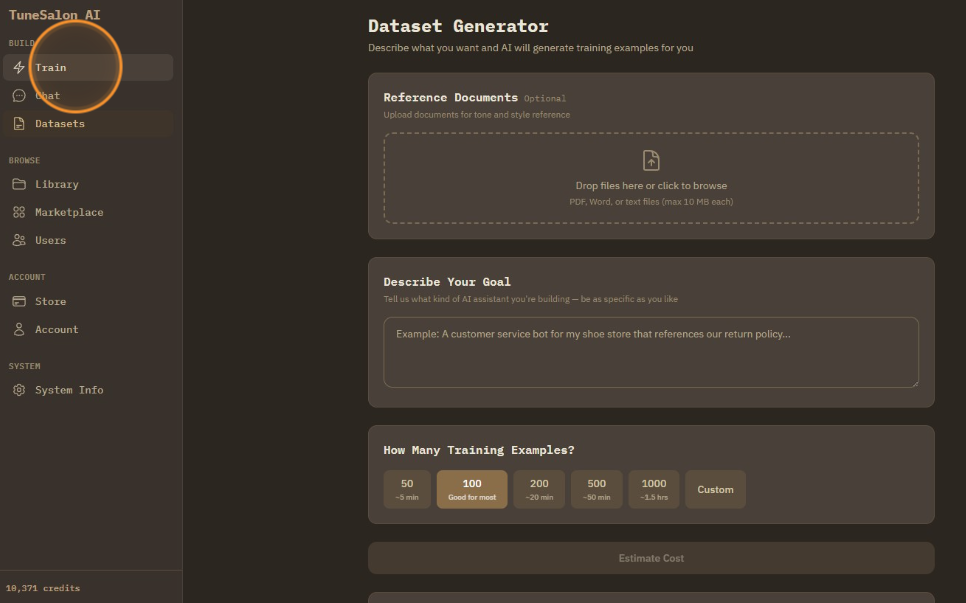
Choose base model you want to train.
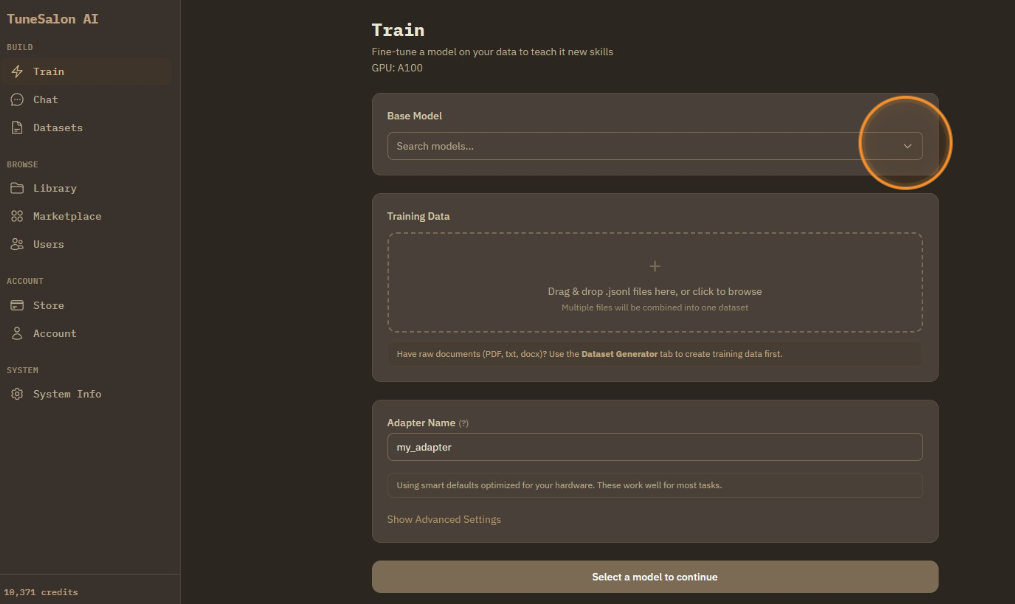
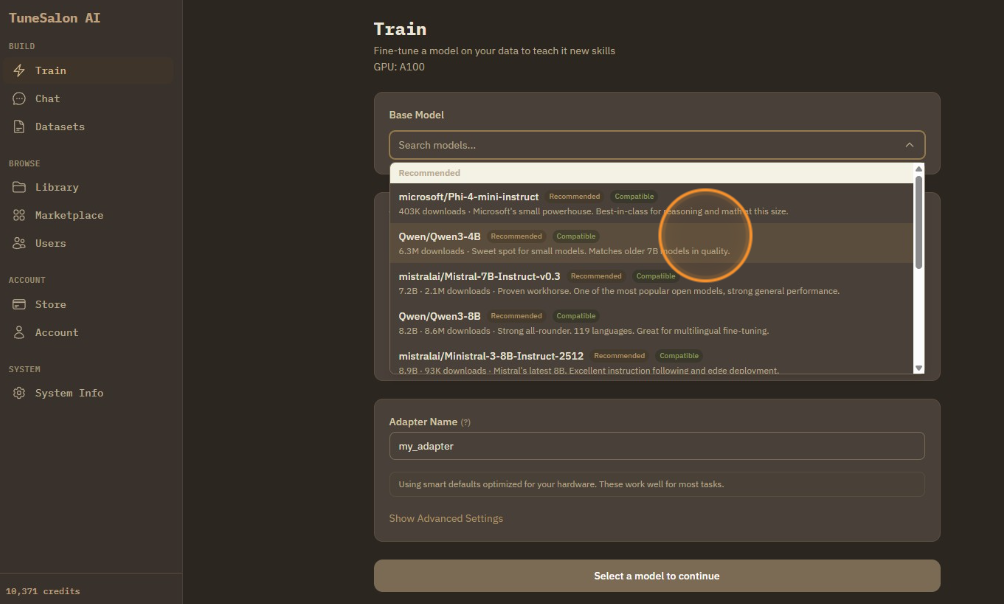
Select from the recommended models in the dropdown.
Then, upload dataset you have.
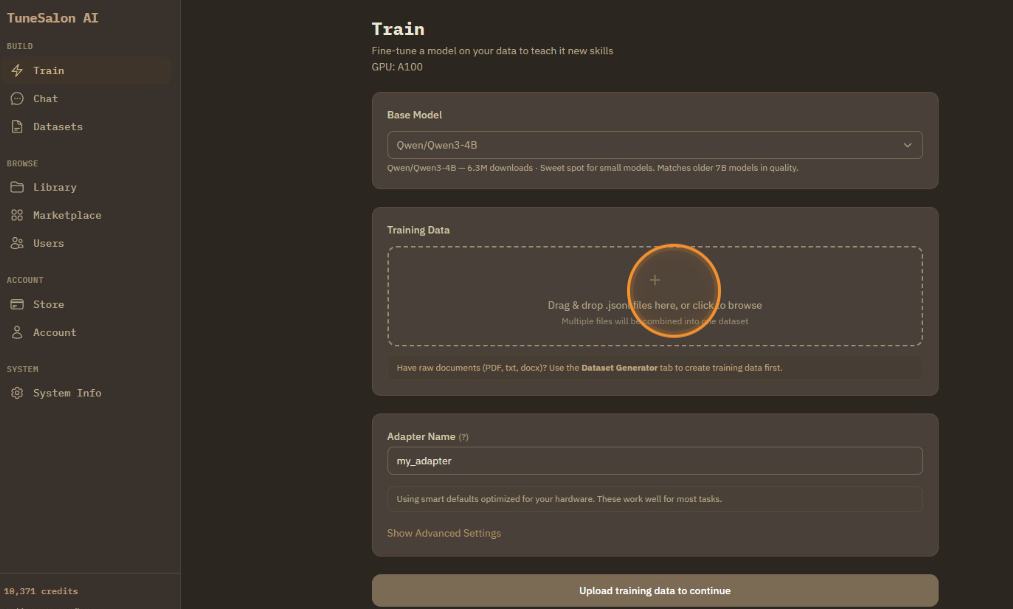
Change the name of adapter as you want.
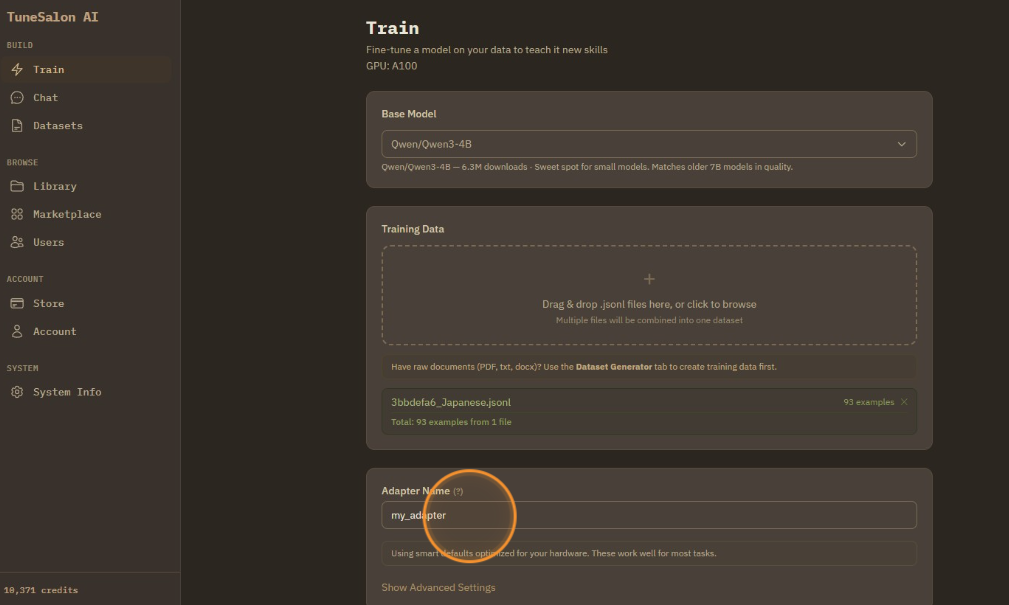
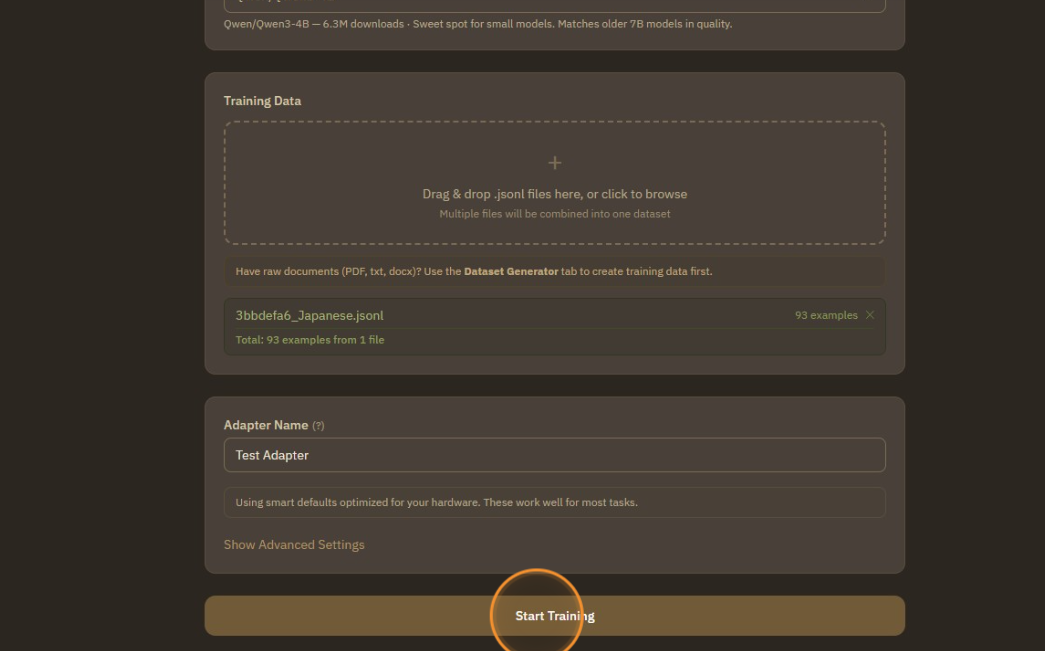
Then, click to start training.
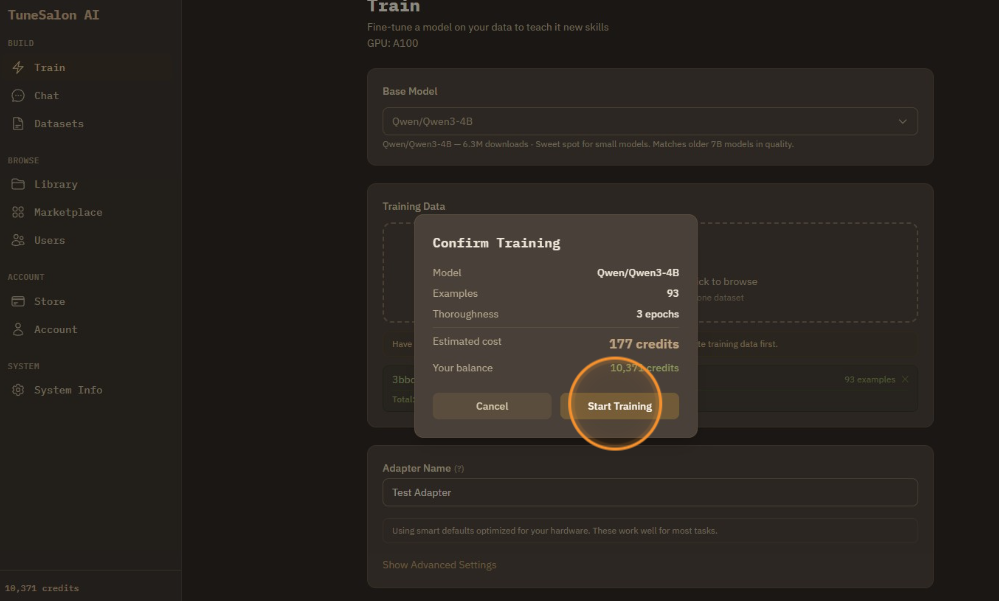
Same as dataset generator, estimated credit cost is shown first. Click start training to confirm.
Training is happening. ~_~
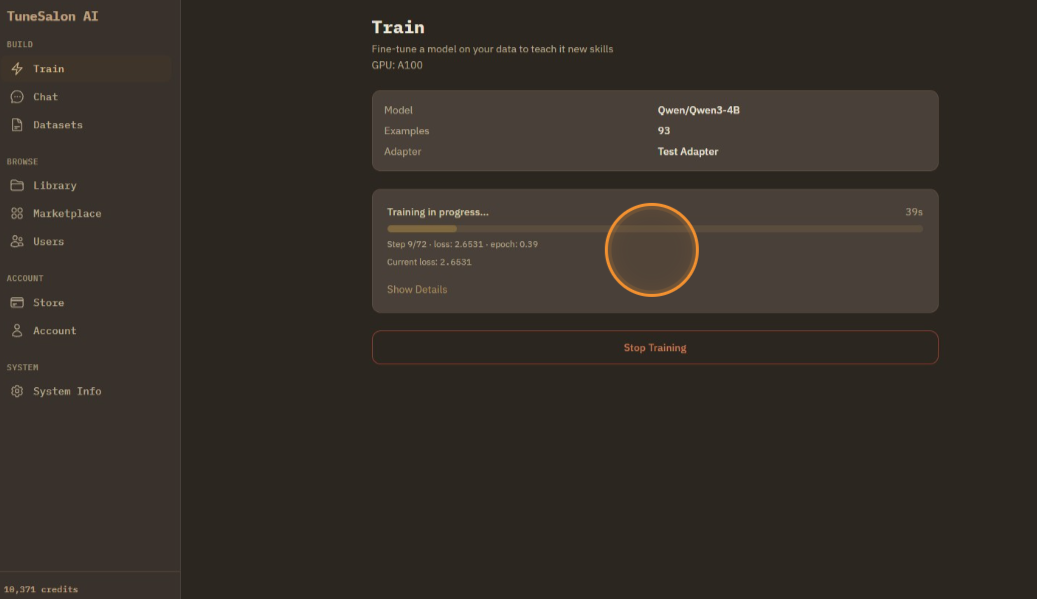
Training finished! You can see summary.
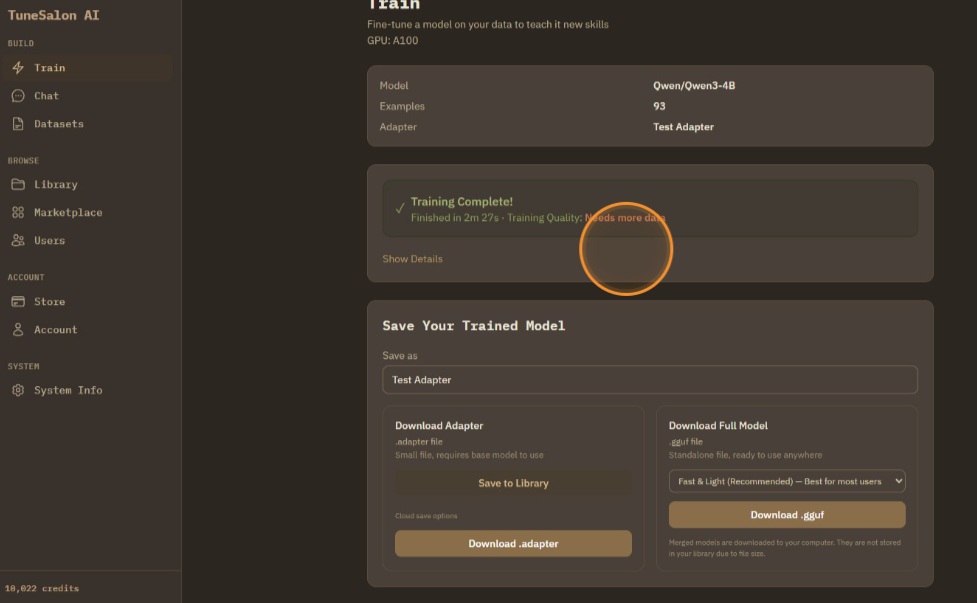
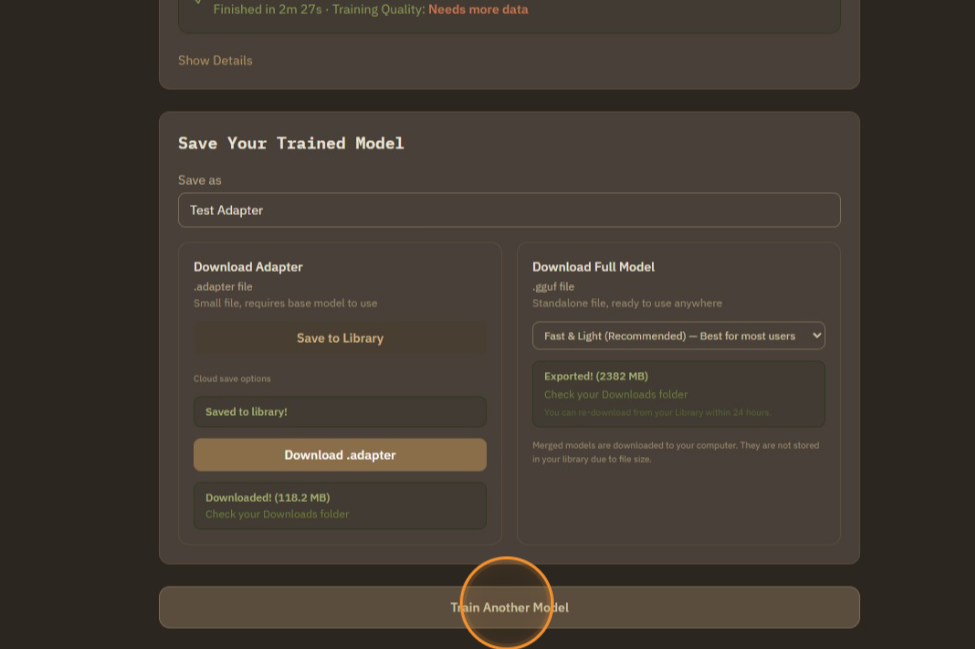
There are options to save adapter to cloud library, download adapter to computer, or merge it to GGUF and download it to computer.
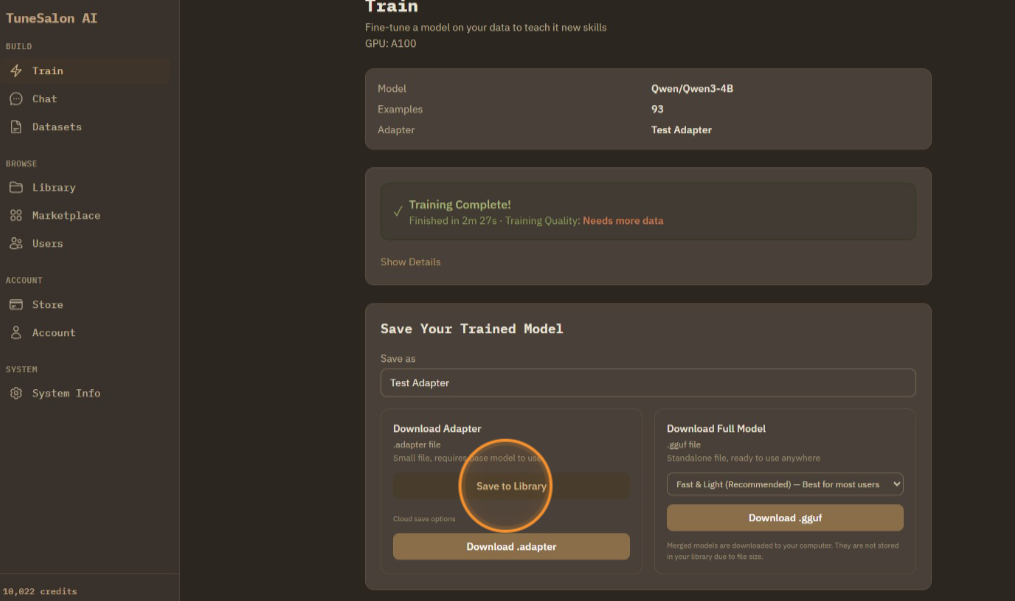
Download the .adapter file to your computer.
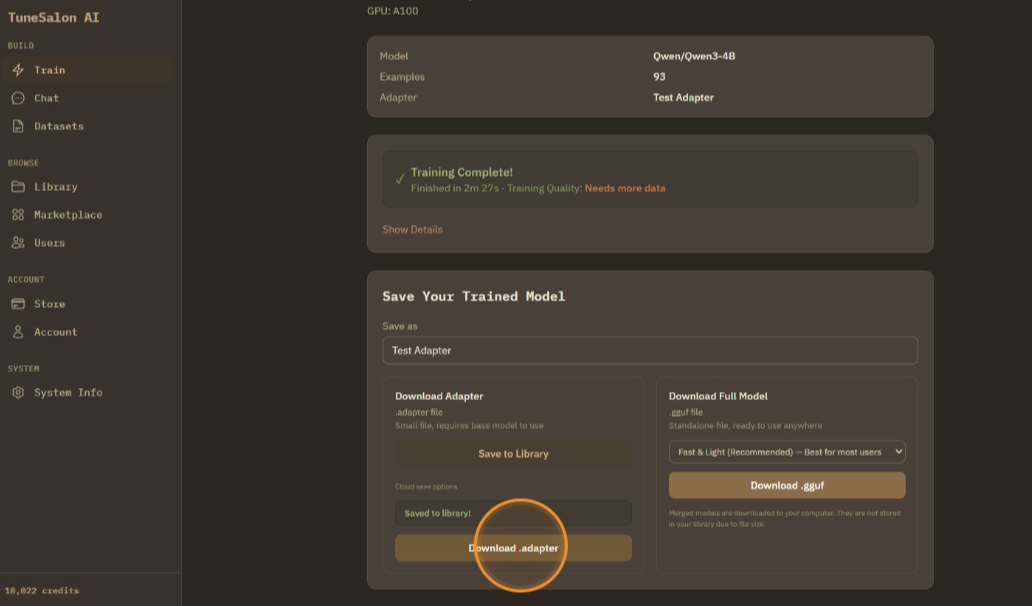
When merging/downloading GGUF, you can choose quantized options.
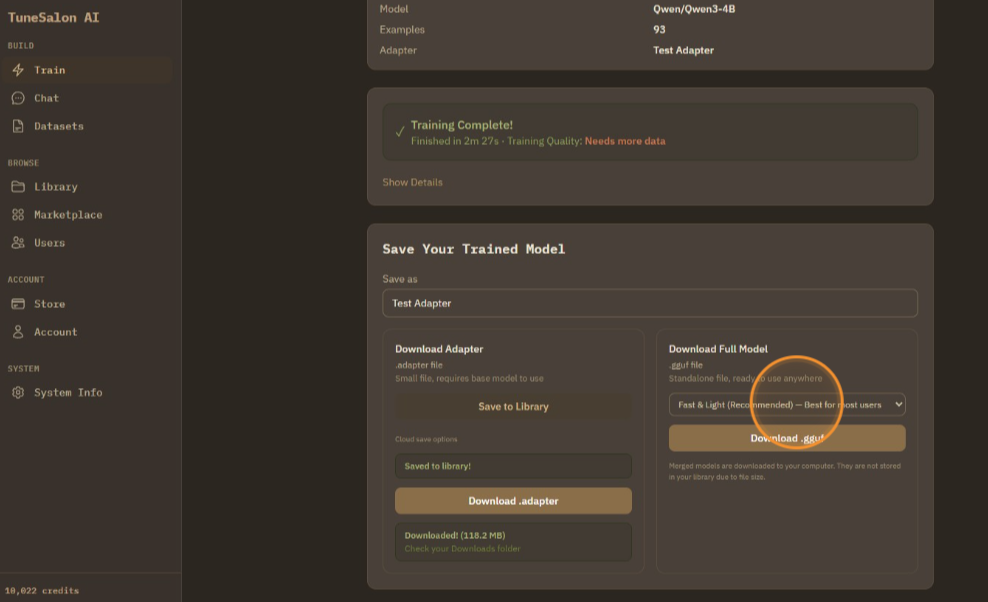
Select the GGUF quality level that fits your needs.
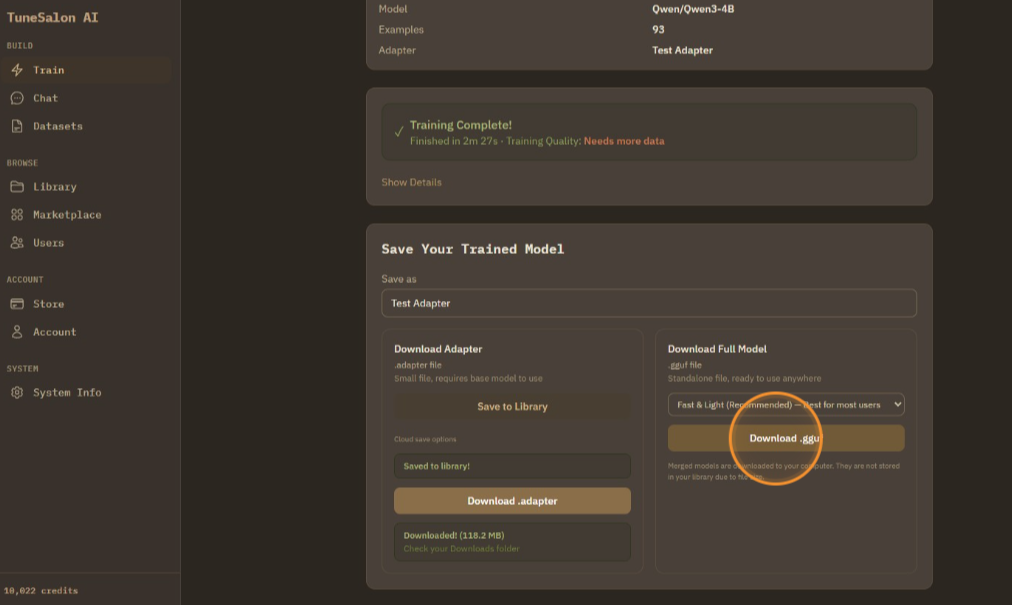
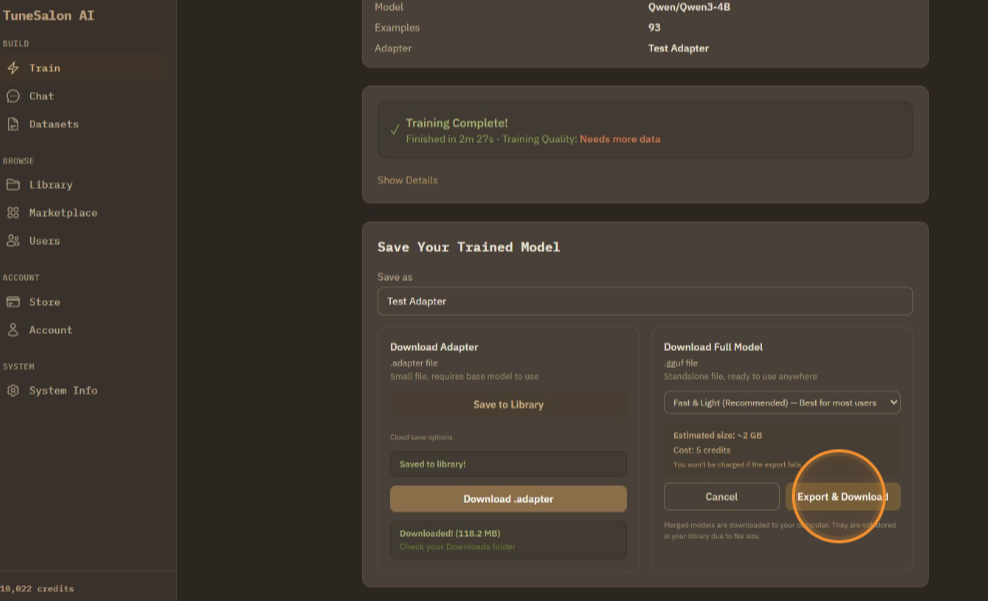
It shows model size and credit cost. Click export & download to confirm.
Then click train another model if you want new training. If you don't click it, saving function is retained for 24 hours.